
If you are posting vertical videos and wondering whether YouTube Shorts Monetization in India can actually pay you in 2026, the answer is yes—but only if you understand the rules, qualify for the YouTube Partner Program (YPP), and treat Shorts as part of a broader earning strategy, not a quick‑rich scheme. This guide walks you through eligibility, how Shorts ad revenue sharing really works, how AdSense pays you in India, and practical ways to grow sustainable income.
1. How YouTube Shorts Monetization Works in India
YouTube Shorts are vertical videos of up to 60 seconds (and, more recently, some up to 3 minutes) that viewers swipe through in the Shorts feed on mobile and desktop. [2]
Since February 2023, YouTube has used a revenue‑sharing model for Shorts instead of the old Shorts Fund. Ads run between videos in the Shorts feed; the money from those ads is pooled by region, and a portion of that pool is shared with eligible creators. [1]
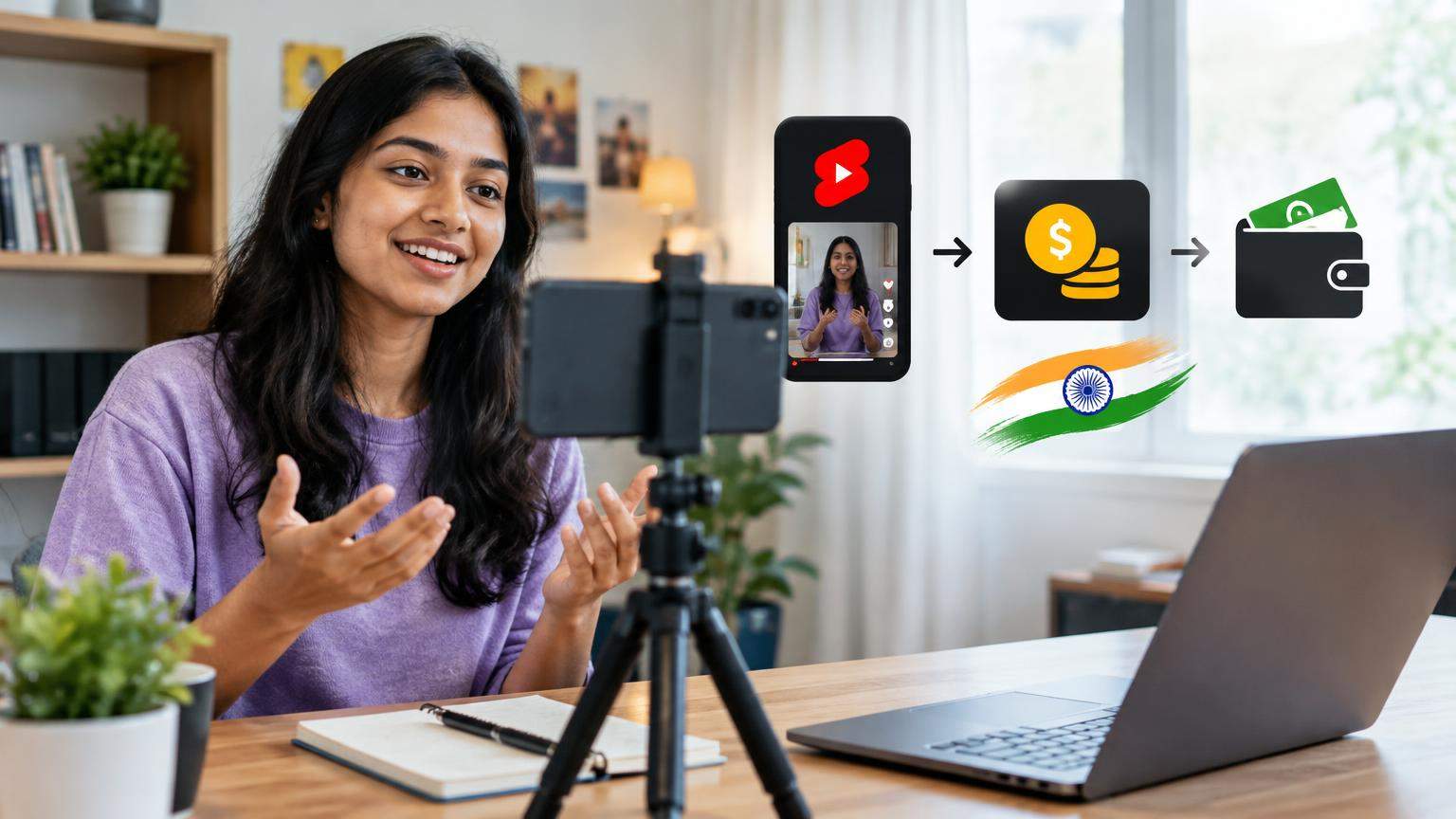
For creators in India, Shorts monetization follows global rules—there are no separate Indian thresholds—but your earnings are paid in Indian Rupees (INR) via AdSense once you connect your channel and meet payout requirements. [3][9]
Key points about how Shorts monetization works as of late 2026:
- You must be accepted into the YouTube Partner Program (YPP) and accept the Shorts Monetization Module to earn from Shorts ads. [1][3]
- Shorts that comply with YouTube’s policies can earn from a regional ad revenue pool based on their share of total eligible Shorts views. [1]
- You receive 45% of the amount allocated to your channel from that pool; YouTube keeps 55%. [1]
- You can also earn from YouTube Premium members who watch your Shorts; a portion of Premium subscription revenue enters the Shorts pool. [1]
2. Can You Earn Money from YouTube Shorts in 2026?
As of October 2026, an Indian creator can earn from Shorts in several ways once inside YPP:
- Shorts ad revenue sharing – Your share of the Shorts ad revenue pool after accepting the Shorts Monetization Module. [1]
- Ads on long‑form videos & YouTube Premium revenue – If you also upload standard videos, those can earn through traditional ad placements and Premium views. [3]
- Fan funding & shopping tools – Channel memberships, Super Chat, Super Stickers, Super Thanks, and Shopping features can be unlocked via an “early access” YPP tier with lower thresholds. [4]
The previous YouTube Shorts Fund (2021–2022) has ended and is no longer relevant for new income; the pool‑based revenue share has replaced it. [5]
Earning from Shorts is therefore realistic in 2026—but you must clear specific thresholds and follow YouTube’s monetization policies.
3. YouTube Partner Program Eligibility for Shorts Creators

YouTube now offers two main YPP levels that matter for Shorts creators:
- Early YPP access – Unlocks fan funding and Shopping tools, but not ad revenue.
- Full YPP access – Unlocks ad revenue from both long videos and Shorts, plus Premium revenue share. [3][4]
Always confirm the current thresholds inside YouTube Studio → Earn → Eligibility, because YouTube may change requirements by region over time. [3][6]
3.1. Full YPP Access (Required for Shorts Ad Revenue)
To become fully eligible for ad revenue sharing (including Shorts), the Help Center states you must: [3]
- Have at least 1,000 subscribers, and
- Either:
- 4,000 valid public watch hours on long‑form videos in the last 12 months, or
- 10 million valid public Shorts views in the last 90 days.
Important detail: Watch time from the Shorts feed does not count toward the 4,000 hours requirement. Shorts watch time is used only for the 10‑million‑views path. [3]
3.2. Early YPP Access (Fan Funding Tier)
For many Indian creators, especially those growing quickly via Shorts, early access can unlock revenue before reaching 1,000 subscribers.
Under YouTube’s “expanded YPP” model, typical early‑access thresholds are: [4]
- 500 subscribers, and
- At least 3 public uploads in the last 90 days, and
- Either:
- 3,000 valid public watch hours in the last 12 months, or
- 3 million valid public Shorts views in the last 90 days.
Early access gives you fan‑funding and Shopping tools but not ad revenue. Once you later cross the full YPP thresholds, your existing YPP status can be upgraded to enable ads. [4]
4. Early YPP Access vs Full Shorts Ad Revenue Eligibility
Many creators are confused because they see “You’re in the YouTube Partner Program” but still earn zero from ads. The difference between the two tiers is crucial.
| Feature | Early YPP Access | Full YPP (Ads Enabled) |
|---|---|---|
| Approximate thresholds (India) | 500 subs + 3,000 watch hours/12 months OR 3M Shorts views/90 days [4] | 1,000 subs + 4,000 watch hours/12 months OR 10M Shorts views/90 days [3] |
| Shorts ad revenue share | Not available | Available (after Shorts Module acceptance) [1] |
| Ads on long‑form videos | Not available | Available (in‑stream ads, Premium share) [3] |
| Fan funding (memberships, Super Chat, etc.) | Available once approved [4] | Available |
| YouTube Shopping tools | Available (if supported for your channel) [4] | Available |
If your goal is to earn from Shorts views, you must reach the full YPP level and explicitly accept the Shorts Monetization Module inside YouTube Studio. [1][3]
5. How to Apply for YouTube Shorts Monetization (Step‑by‑Step)
Follow these steps once your channel meets the relevant thresholds in India. The process is the same whether you are mainly a Shorts or long‑form creator. [3]
5.1. Prepare Your Channel
- Turn on 2‑step verification for your Google account for extra security.
- Ensure your channel has no active Community Guidelines strikes.
- Review and follow YouTube monetization policies, including advertiser‑friendly content and copyright rules. [3]
5.2. Apply for YPP
- Open YouTube Studio on desktop or mobile browser.
- Click Earn in the left menu.
- Check the Eligibility section. When you see that you have reached either early‑access or full YPP thresholds, click Get started or Apply now. [3]
- Read and accept the base YPP terms.
- When prompted, link or create an AdSense for YouTube account within YouTube Studio (do not create AdSense separately from the AdSense website). [3]
- Submit your application. YouTube will perform a manual review of your channel.
If your application is approved, you’ll see YPP tools appear in the Earn tab.
5.3. Enable Shorts Monetization Specifically
After joining YPP:
- Go to YouTube Studio → Earn.
- Under Monetization modules, locate the Shorts Monetization Module.
- Click Review and accept the terms for Shorts revenue sharing. [1]
Only from this point onward are eligible Shorts views counted toward the Shorts ad revenue pool for your channel.
6. How YouTube Shorts Ad Revenue Sharing Works
YouTube’s official explanation of the Shorts revenue model is detailed, but the core logic is as follows. [1][7]
6.1. The Shorts Ad Pool
- For each country or region (such as India), YouTube aggregates all revenue from ads that play between Shorts in the feed over a given period.
- This becomes the regional Shorts ad revenue pool. [1]
6.2. Paying Music Partners
- From this pool, YouTube first allocates a portion to music partners to cover licensed music used in Shorts.
- If your Shorts use popular commercial tracks from YouTube’s audio library, this affects how much of the pool is left for creators overall. [1]
6.3. Creator Pool and Your Share
- The remaining amount becomes the creator pool.
- Your channel’s share of that pool is determined by your proportion of total eligible Shorts views in the region during that period.
- From the amount assigned to your channel, 45% is paid to you; YouTube retains 55%. [1]
- Your share is added together across all regions where your Shorts are viewed.
This formula means there is no fixed RPM (revenue per thousand views) for Shorts. It depends on overall ad spend, music usage, and your relative share of total Shorts views.
7. How Much Can You Earn from YouTube Shorts in India?
YouTube does not publish official CPM/RPM figures for Shorts, and earnings vary widely by niche, country, and time of year. [7]
Important points:
- Indian views generally have lower ad rates than views from some higher‑income markets.
- Finance, technology, and business content often attract higher‑paying advertisers than general entertainment, but there are exceptions.
- Global ad demand changes seasonally; Q4 (festive/holiday season) often has higher spend.
Because of these factors, any specific rupees‑per‑view numbers you see on social media are typically based on small samples from individual channels and are not guarantees.
7.1. Illustrative (Hypothetical) Earnings Calculation
The following example is purely for understanding the Shorts revenue pool math. It is not a promise of what you will earn.
Imagine that across India for one month:
- The Shorts creator pool (after music payments) works out so that the effective RPM (revenue per thousand views) for creators in your niche averages ₹20 per 1,000 views.
- Your channel gets 5 million eligible Shorts views from India and other regions combined during that month.
Then, very roughly:
- 5,000,000 views ÷ 1,000 = 5,000 “thousands of views”.
- 5,000 × ₹20 = ₹100,000 potential monthly Shorts revenue.
In reality, your effective RPM might be much higher or much lower than ₹20, and it can change every month. Treat such calculations only as a way to think about scale: to earn meaningful income purely from Shorts in India, you typically need millions of views every month.
8. Key Factors that Affect Shorts Earnings
Several variables influence how much a Shorts view is worth for your channel. These factors are derived from YouTube’s revenue‑pool explanation and broader advertising logic. [1]
| Earning Factor | How It Affects Revenue | What You Can Do |
|---|---|---|
| Total eligible Shorts views | More eligible views ⇒ larger share of the creator pool. | Post consistently, focus on retention and shareability to grow views. |
| Audience country mix | Views from countries with higher ad spend often pay more. | Consider content in English or Hinglish if you want broader international appeal, while balancing your main audience. |
| Niche / advertiser demand | High‑value niches (finance, tech, education) can attract higher‑paying ads. | Position your topic clearly; for example, “finance for dancers” rather than only generic entertainment. |
| Use of commercial music | More licensed music usage increases the share of the pool paid to music partners, leaving less for creators overall. [1] | Mix popular licensed tracks with original sound or non‑commercial music where it fits your style. |
| Policy compliance | Content rated limited/“yellow” or violating policies may receive reduced or no ads. [3] | Stay away from controversial, violent, hateful, or misleading content. |
| Viewer behaviour | Ad blockers and very short swipes can reduce monetizable impressions. | Create strong hooks and value so viewers watch for longer, increasing chances of monetization. |
9. How AdSense for YouTube Payments Work in India
Once you start earning from Shorts (and other YouTube features), payments are handled through AdSense for YouTube. [3]
Key payment rules for Indian creators:
- You must have one active AdSense for YouTube account linked to your channel; you cannot have multiple AdSense accounts. [3]
- The minimum payment threshold is typically 100 USD or local equivalent before a payout is issued. [9]
- Payments are usually made via electronic funds transfer / wire transfer to your Indian bank account, in INR. [10]
- Before the first payment, you must verify your address with a PIN and submit any required tax information. [9]
Your Shorts revenue, long‑form ad revenue, membership income share, and other YPP earnings are combined in your AdSense for YouTube balance. They are not paid separately for Shorts. [3]
10. YouTube Shorts Monetization Policies and Common Mistakes
To keep monetization active and avoid shocks to your income, you must comply with several policy layers: [1][3]
- YouTube Partner Program policies
- Community Guidelines (safety, hate, violence, misinformation, etc.)
- Copyright rules
- Advertiser‑friendly content guidelines
Common problems that can reduce or block Shorts earnings include: [1][3]
- Reused content – Compilations or clips from other creators, TV, or movies with little original editing or commentary.
- Misleading metadata – Clickbait titles/thumbnails, irrelevant tags, or spammy descriptions.
- Policy‑violating content – Harmful challenges, hate speech, explicit sexual content, or shocking violence.
- Artificial inflation – Buying views or subscribers, or using bots, which can lead to demonetization or termination.
Always check the latest YouTube Help Center pages on monetization and Community Guidelines, as policies evolve. [3]
11. Copyright, Music, Reused Content and AI‑Generated Shorts
11.1. Music Rights in Shorts
YouTube provides a library of licensed music for Shorts. Using these tracks is allowed, but as noted earlier, music partners are paid from the Shorts ad pool, which can affect what remains for creators. [1]
If you upload Shorts with copyrighted music that you do not have rights to (for example, ripping an entire Bollywood song without permission), you may face Content ID claims or copyright strikes, which can limit or remove monetization. [3]
11.2. Reused and Non‑Original Content
YPP rules apply fully to Shorts. YouTube may reduce monetization or reject YPP applications for channels that: [3]
- Upload compilations of other people’s clips with minimal changes.
- Repost content from other platforms without added value.
- Use stock video repeatedly without original commentary or storytelling.
Shorts that show your own performances, tutorials, voice‑overs, or commentary are safer from a policy perspective.
11.3. AI‑Generated Shorts
YouTube allows AI‑assisted content as long as it follows policies and does not violate copyright, privacy, or other rules. You should be especially careful with:
- AI‑generated realistic faces or voices of real people (risk of deepfake or impersonation issues).
- Misinformation or fabricated “news” created via AI.
YouTube has been increasing its focus on how synthetic media is used and may require disclosures, so always check the most recent Community Guidelines and help articles before leaning heavily on AI‑generated visuals or voices. [3]
12. Practical Tips to Grow Shorts Reach and Earnings
You cannot control the RPM YouTube pays, but you can control your content strategy to grow views and diversify revenue.
12.1. Design Shorts for Retention
- Hook viewers in the first 1–2 seconds with movement, a bold statement, or an interesting question.
- Keep the story tight; cut unnecessary pauses.
- End with a strong payoff or transformation so viewers watch till the end.
- Use vertical 9:16 ratio and high resolution so your video looks sharp on mobiles. [2]
12.2. Combine Shorts with Long‑Form Content
YouTube itself encourages creators to use both Shorts and longer videos to build audience and earnings. [6]
For example, if you run a dance channel:
- Use Shorts for quick choreography snippets, dramatic transitions, or behind‑the‑scenes clips.
- Publish full tutorials, breakdowns, or live sessions as long‑form videos (which can have higher CPMs).
- Add links in the description and pinned comments to drive Shorts viewers to your longer videos or playlists.
For dance creators who want to grow beyond YouTube Shorts, our guide on how to turn your Odia dance skills into a personal brand or business explains how to develop your online presence, build an audience and explore different earning opportunities.
12.3. Use Analytics to Guide Your Strategy
Inside YouTube Studio:
- Check Audience retention graphs for Shorts to see where viewers drop off.
- Study Traffic sources to know if your Shorts are pushed via the Shorts feed, search, or external shares.
- Experiment with different hooks, topics, or video lengths (up to the Shorts limit) based on data.
12.4. Build a Loyal Community
Higher engagement (comments, likes, shares) can help the algorithm identify Shorts that deserve more distribution. Respond to comments, go live occasionally, and use community posts to keep your audience warm between uploads.
13. Alternative Income Sources: Sponsorships and Affiliate Marketing
Even if Shorts RPM is unpredictable, you can treat Shorts as a traffic engine for other income streams.
13.1. Fan Funding and Memberships
Once you reach early YPP access, you may be able to turn on: [4]
- Channel memberships – Monthly recurring support in exchange for badges, emojis, or exclusive content.
- Super Chat & Super Stickers – Viewers pay during live streams or Premieres.
- Super Thanks – One‑time tips on individual videos.
All of these can be promoted in your Shorts and long‑form uploads.
13.2. Brand Sponsorships
Brands may pay you to:
- Feature their product in a Short.
- Add a 5–10 second brand mention at the start or end of your video.
- Create a custom challenge or trend using their hashtag.
Rates vary dramatically depending on your niche, average views, and audience demographics. Negotiate clearly and disclose sponsorships according to YouTube’s paid promotion tools and any applicable advertising rules.
13.3. Affiliate Marketing
You can also earn from affiliate links (for example, dance costumes, lights, tripods, microphones, or software):
- Join affiliate programs (e.g., major e‑commerce sites in India).
- Add affiliate links in the video description and pinned comment of your tutorials or review videos.
- Use Shorts to quickly demo a product and send interested viewers to a detailed long‑form review with the affiliate link.
Always follow YouTube’s policies on external links and avoid misleading viewers about what you are promoting. [3]
If you create dance tutorials or YouTube Shorts and want to explore additional income opportunities, read our detailed guide to affiliate marketing for dancers and creators in India. It explains how commissions, affiliate links, tracking and disclosure rules work.
14. Common Reasons Shorts Monetization or YPP Get Rejected
If your YPP application is rejected or your monetization is turned off, it is usually for one of these reasons: [3]
- Large percentage of uploads are reused content with little original value.
- Multiple copyright strikes or unresolved Content ID issues.
- Repeated Community Guidelines violations (hate, harassment, harmful acts).
- Misleading metadata or spammy behaviour (clickbait, fake giveaways, bought views or subs).
- Long periods of inactivity or low original upload volume, which can lead to monetization removal under evolving YPP rules.
If rejected, YouTube typically lets you apply again after a waiting period. Use that time to clean up your channel, remove problematic content, and upload more original videos.
15. Checklist: Setting Up Shorts Monetization in India
Use this quick checklist to stay on track:
- [ ] Choose your niche and post consistent Shorts in 9:16 format.
- [ ] Avoid copyright violations and reused content.
- [ ] Turn on 2‑step verification for your Google account.
- [ ] Grow to 500+ subscribers and hit early‑access thresholds to unlock fan funding (optional). [4]
- [ ] Push towards 1,000+ subscribers plus 4,000 watch hours (long‑form) or 10M Shorts views/90 days for full YPP. [3]
- [ ] Apply for YPP in YouTube Studio → Earn.
- [ ] Link AdSense for YouTube from inside YouTube Studio.
- [ ] After approval, accept the Shorts Monetization Module.
- [ ] Monitor earnings and analytics; refine content and posting schedule.
Frequently Asked Questions
Q1. Can I earn from YouTube Shorts in India without 1,000 subscribers?
You can unlock some fan funding tools at 500 subscribers via the early YPP tier, but you cannot access Shorts ad revenue sharing until you meet full YPP thresholds: 1,000 subscribers plus 4,000 long‑form watch hours in 12 months or 10 million Shorts views in 90 days. [3][4]
Q2. Do 3‑minute vertical videos count as Shorts and can they earn money?
YouTube has expanded the definition of Shorts to certain vertical videos up to 3 minutes and has clarified that such videos can be eligible for the Shorts revenue‑sharing pool if they meet other requirements and appear in the Shorts feed. Exact treatment can evolve, so always check current rules on the Shorts monetization Help page. [1]
Q3. Are my old Shorts automatically monetized when I join YPP?
Once you are in YPP and accept the Shorts Monetization Module, eligible Shorts—old and new—can contribute to your Shorts revenue. However, old Shorts with little ongoing viewership will naturally generate very little income today. [1]
Q4. Do Shorts watch hours count toward the 4,000‑hour YPP requirement?
No. Watch time from Shorts views in the Shorts feed does not count toward the 4,000 public watch‑hours requirement. It instead contributes toward the separate threshold of 10 million valid Shorts views in the last 90 days. [3]
Q5. Do I need a separate AdSense account for Shorts?
No. You use a single AdSense for YouTube account for all YouTube earnings (Shorts, long‑form ads, memberships, etc.). Payments are combined and issued once you cross the overall payment threshold. [3][9]
Q6. Will YouTube change Shorts monetization rules after 2026?
YouTube has already announced and implemented several changes to YPP and Shorts monetization since 2023 and continues to evolve the program. [6][7] For the most up‑to‑date requirements in India, always rely on the Earn → Eligibility section in YouTube Studio and the latest Help Center pages rather than old blog posts or social‑media advice.
Disclaimer
This article is for general educational purposes and is based on official YouTube and Google documentation available as of October 2026. YouTube and AdSense policies, eligibility thresholds, and monetization features may change over time or differ by region. Always confirm current requirements in your own YouTube Studio and the official YouTube Help Center and AdSense Help pages before making financial decisions. Nothing in this guide is financial advice or a guarantee of income; actual earnings from YouTube Shorts Monetization in India depend on many factors outside your or this article’s control.
Sources and Further Reading
Primary and supporting references. Verify time-sensitive information at the original publisher.
- 12504220 — support.google.com
- YouTube Shorts — en.wikipedia.org
- 72851 — support.google.com
- 13429240 — support.google.com
- MDPMI Final Report Annexure 4 Social Media — www.ellipsis.co.za
- New Opportunities To Earn And Changes To The Youtube Partner Program — blog.google
- Shorts Revenue Sharing Update — blog.youtube
- 1 — gauravmor.com
- 1709871 — support.google.com
- 1714397 — support.google.com
Research date: October 18, 2026 (UTC). Links may change.